> ## Documentation Index
> Fetch the complete documentation index at: https://docs.agentaos.ai/llms.txt
> Use this file to discover all available pages before exploring further.
# For Individuals
> Activate your EUR account as an individual user. Takes around 10 minutes; approval usually within one business day.
# Activate your EUR account (Individual)
A real European IBAN in your name, linked to your AgentaOS wallet.
Takes around **10 minutes** to fill in. Approval usually arrives within **one business day**.
## Before you start
* **One photo ID**: passport, national ID card, or residence permit. Must be valid (not expired).
* **Proof of address**: utility bill, government letter, or a statement from a traditional bank. Must show your full name and current address, dated within the last 3 months.
* **Good lighting and your phone or webcam**: you'll take a live selfie at the end.
* **Age 18 or older**: the EUR account is only available to adults.
Statements from **neobanks and digital-only banks are not accepted** as proof of address. Use a utility bill or a government letter instead.
## Step-by-step
Open **Payouts** from the sidebar and click **Activate EUR account**. This is where SEPA payouts will land once the account is approved.
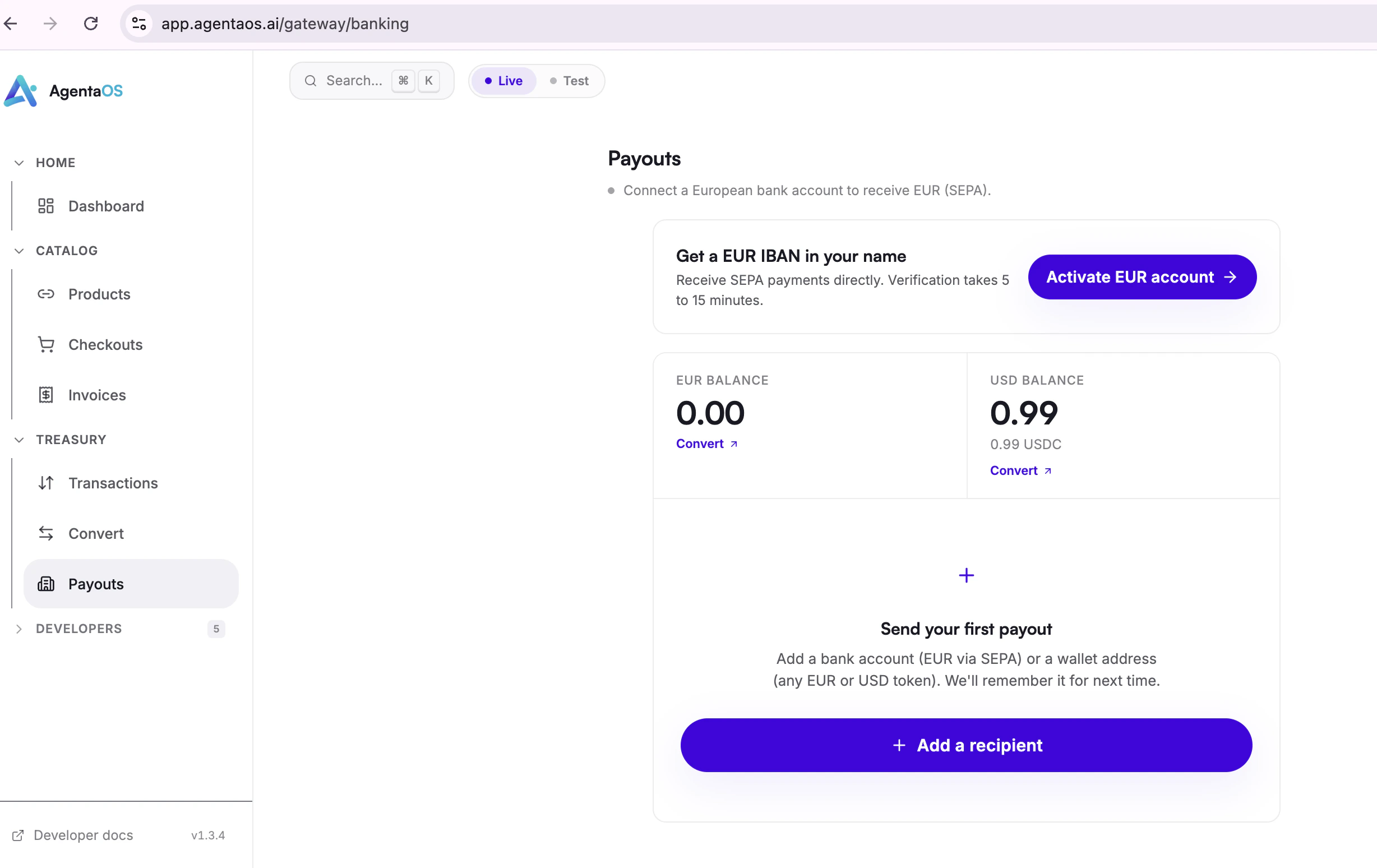 A short consent screen explains what comes next. Click **Open the account**.
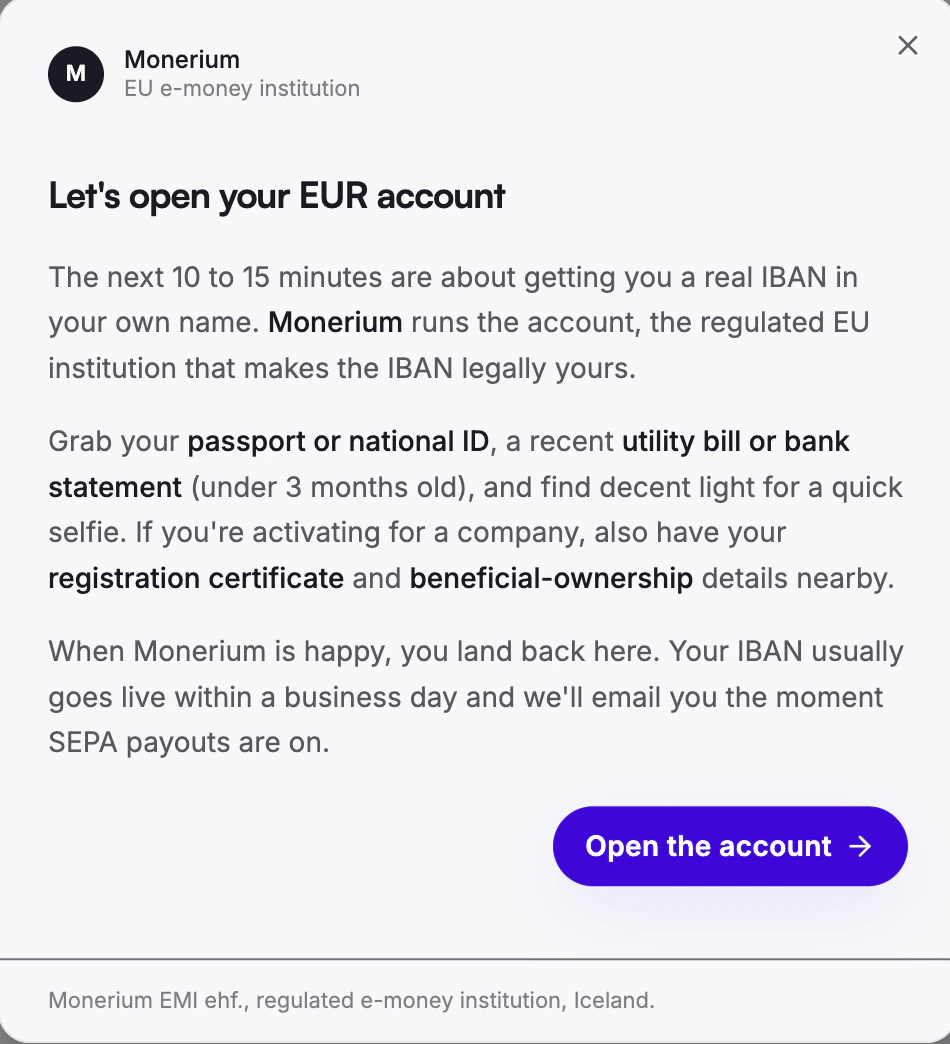 First time? Click **Sign up free**. Already have an account? Choose **Login**.
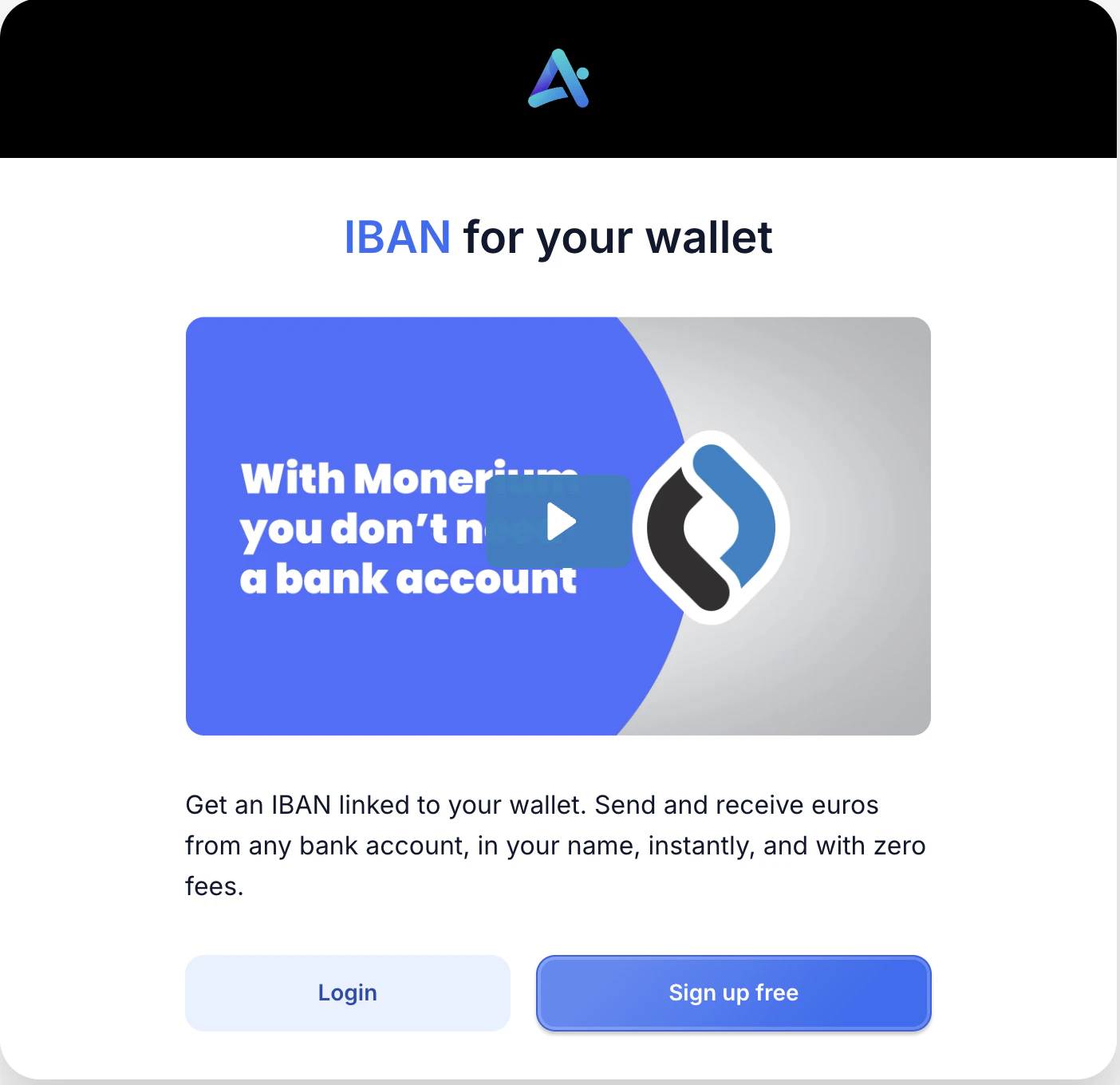 Enter your **email**, choose a **password**, and pick your **country** of residence. Tick both agreement boxes and click **Sign up**.
**Use the same email you used for your AgentaOS account.** It keeps everything linked under one identity and makes future sign-ins simpler. Approval status and your IBAN details will arrive there too.
Enter your **email**, choose a **password**, and pick your **country** of residence. Tick both agreement boxes and click **Sign up**.
**Use the same email you used for your AgentaOS account.** It keeps everything linked under one identity and makes future sign-ins simpler. Approval status and your IBAN details will arrive there too.
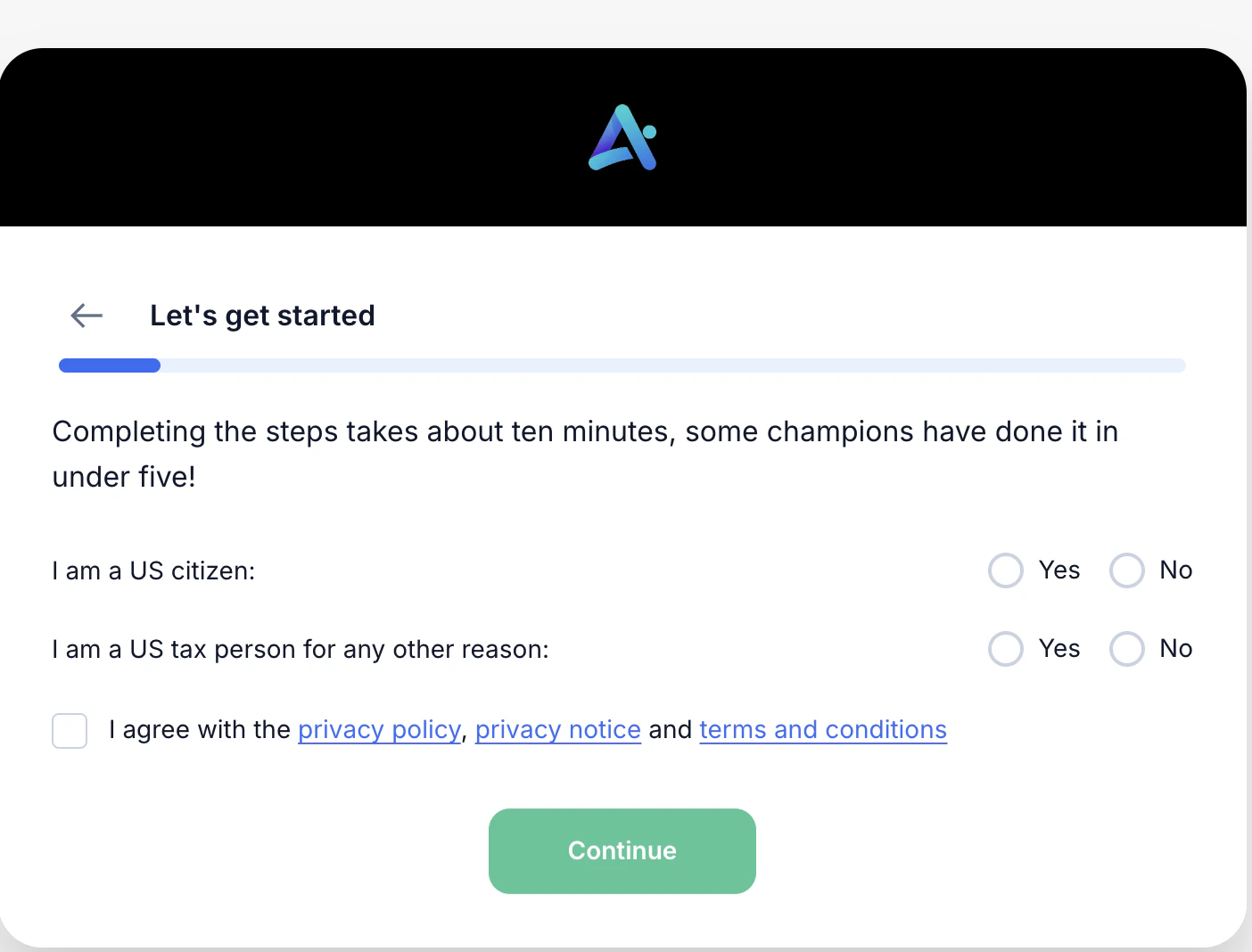
 A short welcome screen kicks off the document check. Answer a couple of quick yes-or-no questions, tick the agreement box, and click **Continue**.
From here you'll upload your ID, do a live selfie, and add your proof of address. Most people finish in 5 to 10 minutes.
A short welcome screen kicks off the document check. Answer a couple of quick yes-or-no questions, tick the agreement box, and click **Continue**.
From here you'll upload your ID, do a live selfie, and add your proof of address. Most people finish in 5 to 10 minutes.
 Upload one photo ID. Pick the type that's easiest for you: passport, national ID card, or residence permit.
Make sure every corner of the document is visible and there's no glare on the photo or text.
Your camera will guide you through a short liveness check. Look straight at the camera and follow the on-screen instructions.
Find a well-lit spot before you start. Avoid backlight from a window behind you. Glasses and hats can cause retries.
Upload a document that shows your full name and current address, dated within the last 3 months.
**Accepted documents:**
* Utility bill (electricity, water, internet, gas)
* Government document (tax statement, residency certificate)
* Bank statement from a traditional bank in your country
* Credit card statement from a traditional bank in your country
Statements from **neobanks and digital-only banks are not accepted**. If your main bank is fully online, use a utility bill or a government letter instead.
## Tips to avoid delays
The single most common cause of rejection. Pull a fresh one before you start.
The name has to match your photo ID exactly. Bills in a partner's or family member's name are not accepted.
If the camera prompts you to retry, finish the retry before closing the page.
Capture the full page. Edges, dates, and reference numbers all need to be visible.
If you're a senior public official, hold elected office, or are close family of one, you'll be asked for an extra source-of-funds document. Have it ready to keep things moving.
## What happens next
Most reviews finish within one business day. Once approved, your EUR IBAN appears on your **Payouts** page and SEPA transfers start landing in your AgentaOS account.
Reach out at [contact@agentaos.ai](mailto:contact@agentaos.ai)
Upload one photo ID. Pick the type that's easiest for you: passport, national ID card, or residence permit.
Make sure every corner of the document is visible and there's no glare on the photo or text.
Your camera will guide you through a short liveness check. Look straight at the camera and follow the on-screen instructions.
Find a well-lit spot before you start. Avoid backlight from a window behind you. Glasses and hats can cause retries.
Upload a document that shows your full name and current address, dated within the last 3 months.
**Accepted documents:**
* Utility bill (electricity, water, internet, gas)
* Government document (tax statement, residency certificate)
* Bank statement from a traditional bank in your country
* Credit card statement from a traditional bank in your country
Statements from **neobanks and digital-only banks are not accepted**. If your main bank is fully online, use a utility bill or a government letter instead.
## Tips to avoid delays
The single most common cause of rejection. Pull a fresh one before you start.
The name has to match your photo ID exactly. Bills in a partner's or family member's name are not accepted.
If the camera prompts you to retry, finish the retry before closing the page.
Capture the full page. Edges, dates, and reference numbers all need to be visible.
If you're a senior public official, hold elected office, or are close family of one, you'll be asked for an extra source-of-funds document. Have it ready to keep things moving.
## What happens next
Most reviews finish within one business day. Once approved, your EUR IBAN appears on your **Payouts** page and SEPA transfers start landing in your AgentaOS account.
Reach out at [contact@agentaos.ai](mailto:contact@agentaos.ai)